Call us: 211.800.4182

Digital Work Card & Digital Time management for the ERGANI system
The Integrated Solution for Businesses of all Sizes.
Organized Management of your Employees in 2 minutes.
Design & Configuration of digital working hours.
Automatic real-time update of the

Compatible with all accounting programs.
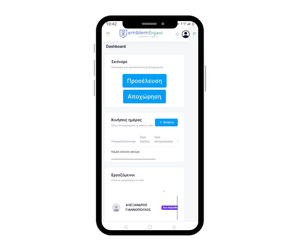
Ability to connect from any device you wish
without the need of special equipment.
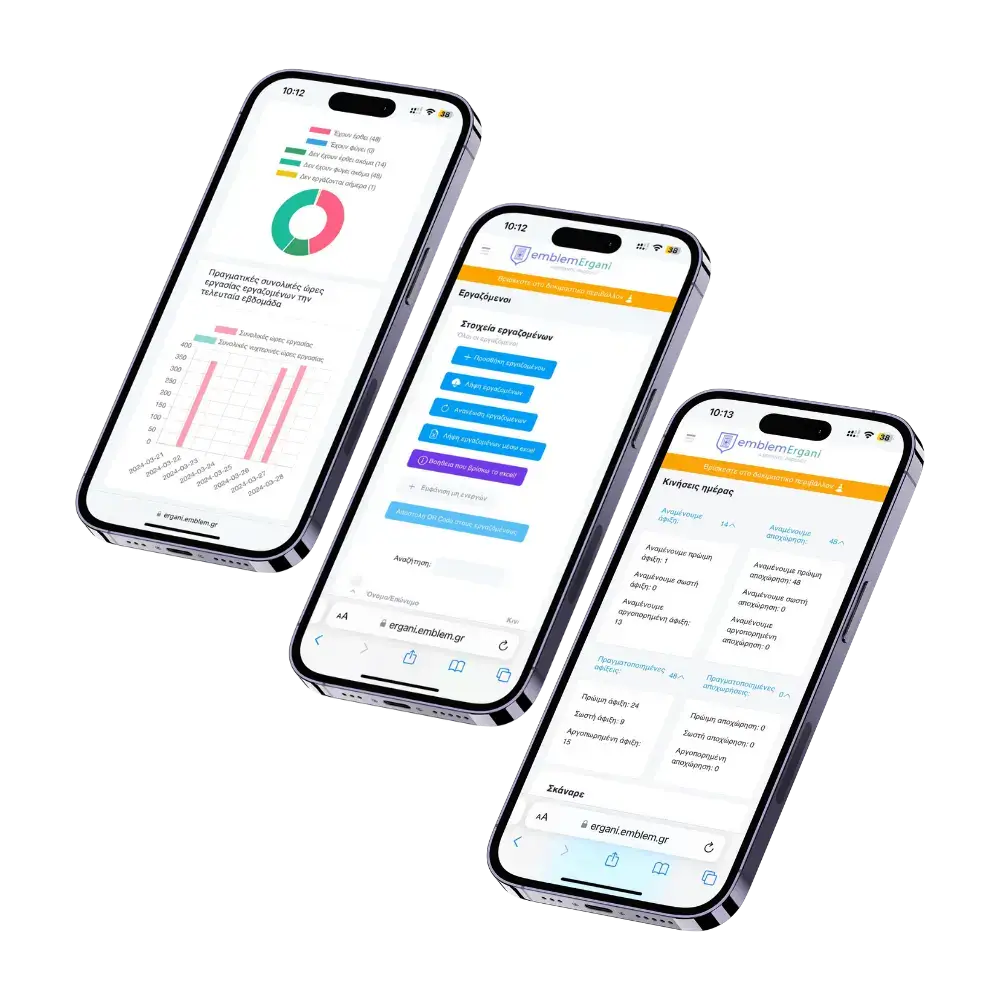
EmblemErgani Features
- Stand-alone solution, without the need to apply payroll
- Automatic real-time update to ERGANI
- Planning and managing digital work hours
- Record entry and exit movements of employees
- Create and configure a worker leave plans
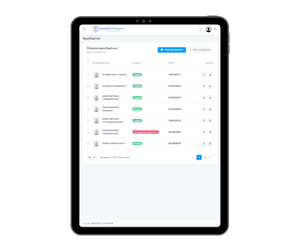
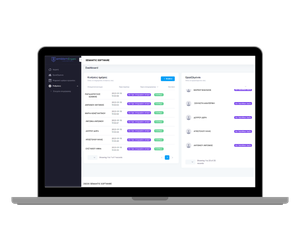
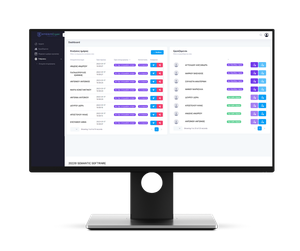
- Modern design, no installation required
- Easy to use and from mobile applications, without the need for training
- Compatibility with all accounting programs
Digital Work Card in 3 Simple Steps
Learn how you can use Ergani emblem
Sign up | Sign in
To get started, the first step is to register. If you have already registered, skip this step and log in with your details.
Completing company details
After you have logged in to your account, the next step is to fill in the details of the business and also the details for contacting ERGANI.
You are all set to scan your employees
After you have completed step two, the Ergani emblem automatically receives the information of your employees and, by extension, the QR Code of each employee is also created. So, you're all set to scan your employees' QR Codes to register arrivals or departures.
Additional Features

Demo account
Emblem Ergani has an environment for trial use

Connect with QR Scanner
You can connect the ergani emblem to your QR scanner to easily scan the QR code of each employee.

Two platforms available
emblem ergani has two platforms, one for the employer (EmblemErgani) and the second for the employee (EmblemErgani Employee)

Details of arrival - departure
Ability to view and control each employee's attendance and attendance information.

Error detection and correction, retransmission possible
With Emblem Ergani you can locate, correct and retransmit the necessary data.

Data transmission control
You can check whether the correct information has been transmitted to the ERGANI platform, to avoid errors.

Bulk submission in case of failure to transmit in real time
In case there is an inability to transmit the data, you can make a mass submission

Ability to transmit data from department heads
If it is not possible for the employee to scan their qr code to transmit their origin, the employer or supervisor can transmit their data.

Notifications for failure to transmit attendance or departure
If an employee's arrival or departure declaration has not been sent, you will receive a notification.

Possibility of issuing a daily or weekly work schedule
You can publish either daily the daily schedule of your employees, or once a week the weekly schedule.

Automatic transmission of employee attendance data within 15 minutes
After the employee arrives, his presence is automatically transmitted within 15 minutes to ERGANI.
Price list
Available with:
Q&A
Is the digital job card mandatory for my industry?
I am not yet required to use the Digital Work card Application, can I test the application without uploading my details to ERGANI?
Do I need a special device to scan?
Can I change the employee's hours a few minutes before they start work?
Is it necessary to interface the application with a payroll program?
Contact us
Contact info